Review groups of near-duplicates and keep the better shot.
Private photo cleanup for iPhone and iPad
Photo Cleaner: Free Space
Find similar photos, screenshots, blurry shots, and large videos. Review every item before cleanup, then keep the memories that matter.
- Local photo review
- No account required
- No ads or analytics SDKs
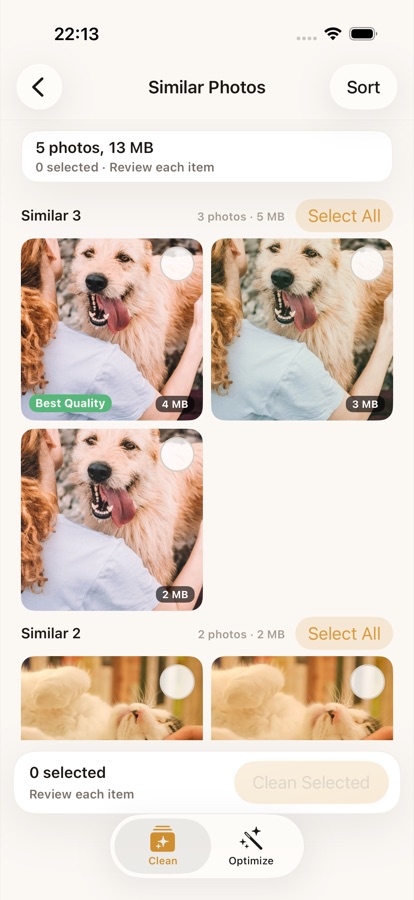
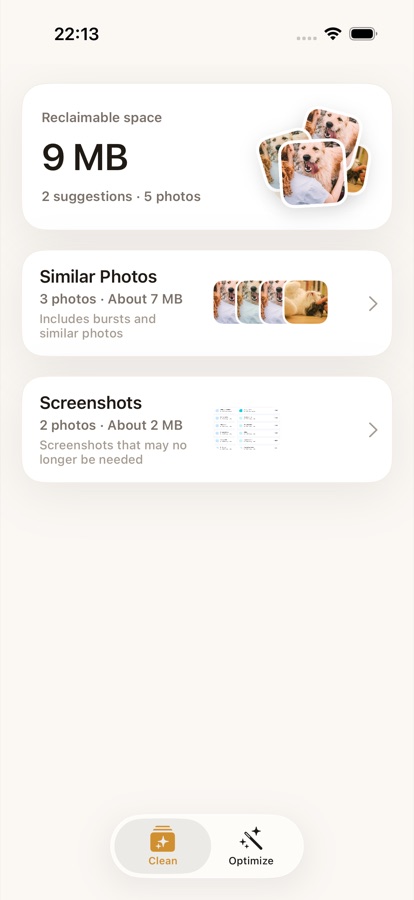
Review first
Items move only after you confirm cleanup in the app.
Built for camera rolls that grew too fast.
Photo Cleaner groups cleanup candidates so you can make quick, deliberate choices instead of deleting blindly.
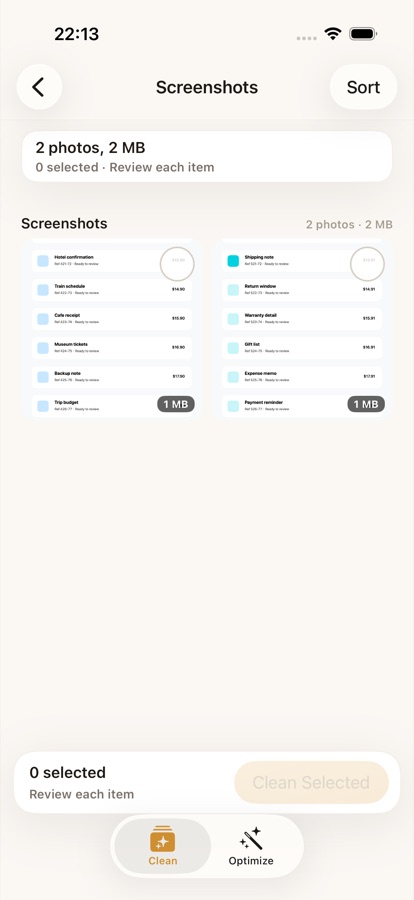
Find old screenshots and review them separately from your photos.
Spot heavy videos that take up the most space in your library.
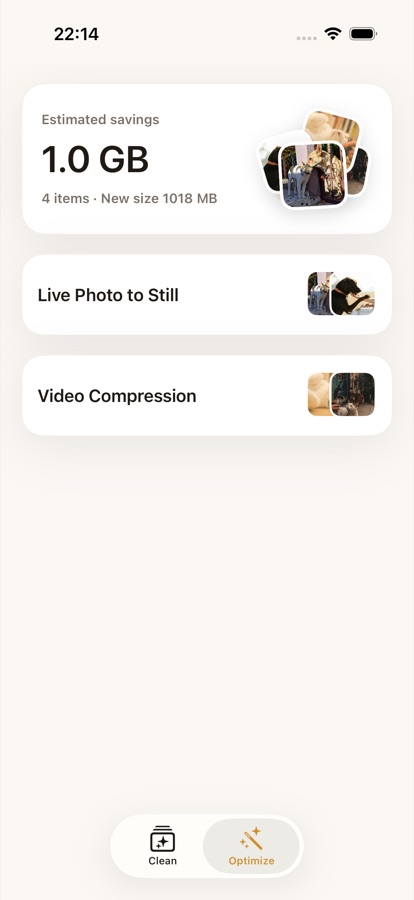
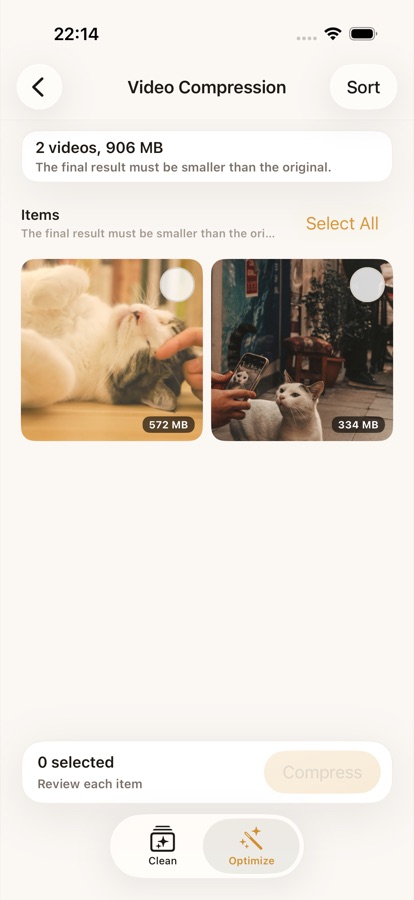
Compress selected videos or convert Live Photos after confirmation.
See the workflow before you clean.
Every cleanup path keeps review screens in front of the destructive action.
Privacy by design
Your library stays on your device.
- Photo Cleaner requests photo library access to show cleanup suggestions.
- The app processes photos and videos locally and does not provide accounts, ads, or third-party analytics.
- iCloud-backed photo resources may be requested through Apple Photos APIs when needed for thumbnails or optimization.
- Selected items are deleted or optimized only after you confirm the action.
Questions before release?
Contact Badships support for app availability, privacy, and review questions.